Teams and access
Roles and permissions
Define reusable roles at the right scope, assign them to members, and verify effective access with least privilege.
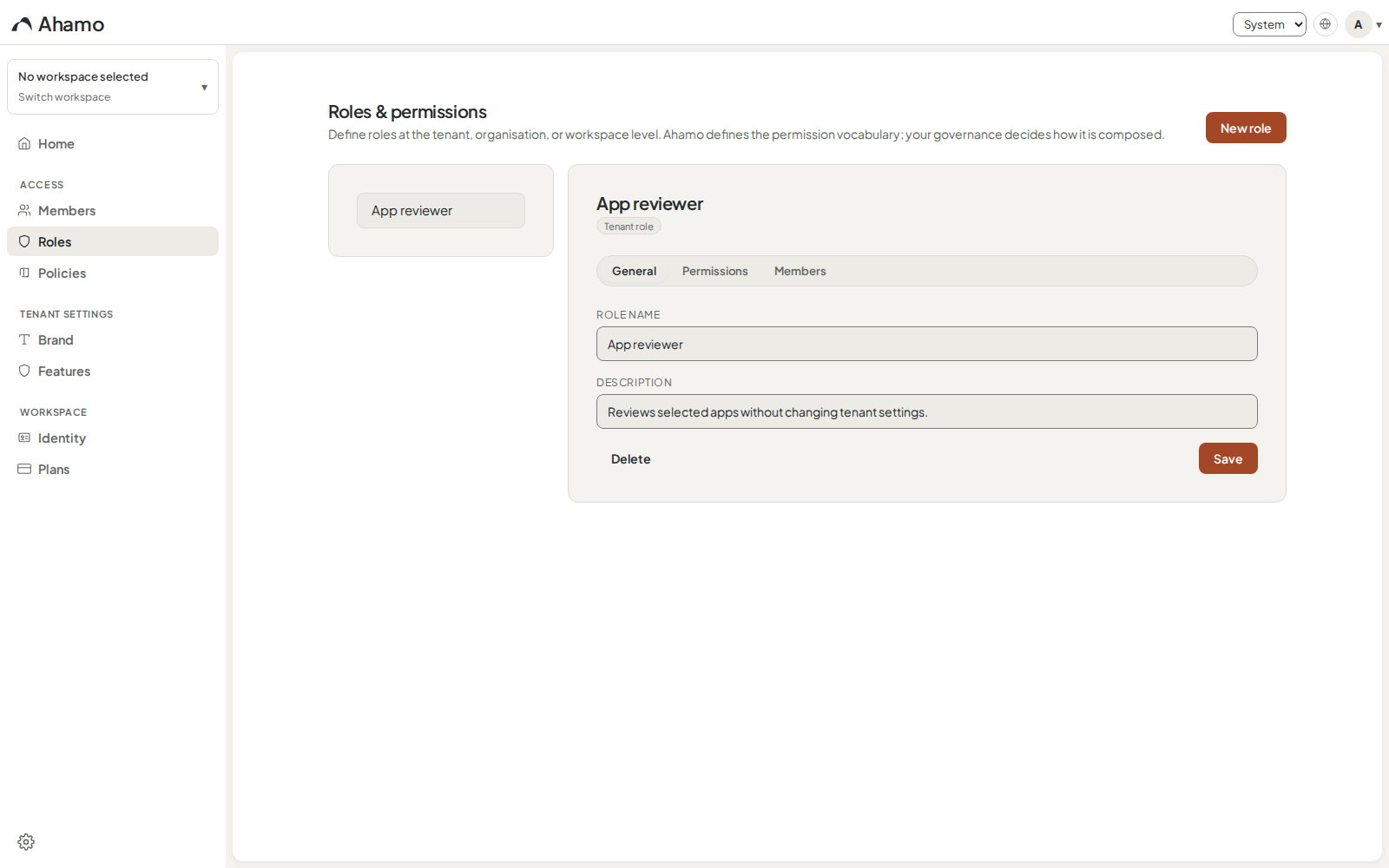
Roles group permissions around a responsibility. Ahamo lets authorised administrators define roles at tenant, organisation, or workspace level and assign them only where they apply.
Choose the definition scope
Start with the narrowest scope that should reuse the role:
| Scope | Use it when |
|---|---|
| Account-wide | The same responsibility should be available across the tenant. |
| Organisation | One business unit owns the definition. |
| Workspace | The responsibility belongs to one workspace. |
Creating a role does not assign it to anyone. A broader definition scope also does not grant broader access by itself.
Create a role
- Open Workspace settings › People › Roles.
- Choose New role.
- Select the definition scope.
- Give the role a responsibility-based name and a short description.
- Choose Create role.
- Open Permissions, select only the actions that responsibility needs, and save.
Ahamo shows only permissions that are valid at the selected scope. Treat permissions marked Sensitive as requiring an explicit owner and review.
System roles cannot be edited. This protects the baseline access model from being silently redefined.
Assign a member
Open the role's Members tab and choose Assign a member…. Review the person, exact scope, and role before applying the assignment.
The member list distinguishes direct, inherited, and policy-derived contributions. Multiple assignments can combine, so one role is not always the full explanation for a person's access.
Use Remove from role to remove one direct assignment. This does not remove other roles or workspace membership. Ahamo blocks changes that would remove the last required access manager or let an administrator lock themselves out of a protected scope.
Verify effective access
Test the role with an ordinary account in the target scope. Confirm one action the role should allow and one unrelated action it should deny. When an app has its own access settings, use Understand access decisions to see how the role combines with inheritance, direct sharing, and blocks.
Keep role names stable and based on responsibility rather than a person's name. Remove obsolete assignments before deleting a custom role.