Your first app
Start with a workflow your team knows. Describe the outcome, then build, review, and publish a small working version.
On this page
You need an Ahamo account, access to a workspace, and enough build credits. Use sample data for this walkthrough.
Describe the workflow
On the home screen, submit a focused brief:
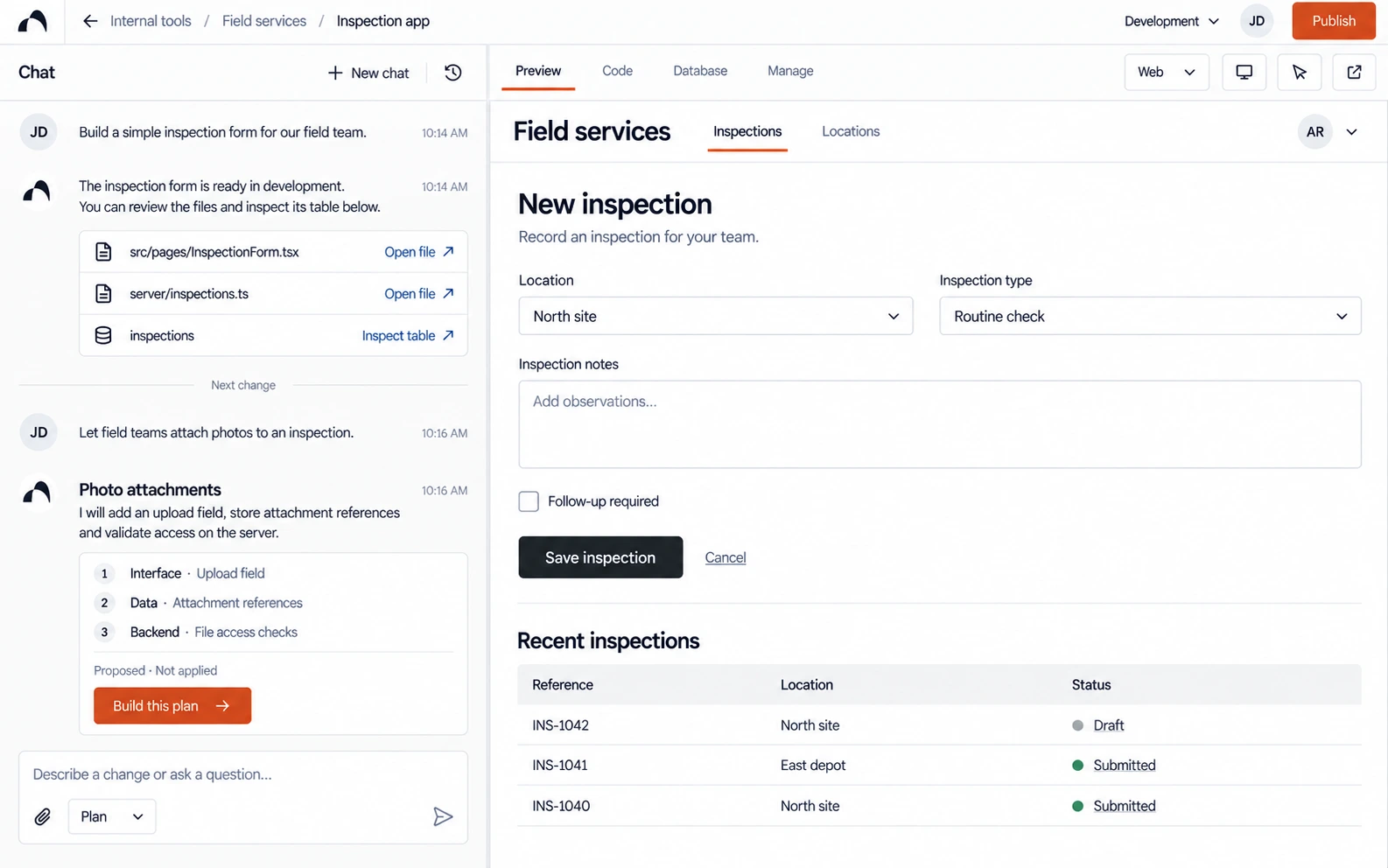
Build an inspection app for a field team. A worker should choose a location, record observations, mark whether follow-up is needed, and review the submitted result. Make it easy to use on a phone. Start with sample data and leave integrations for a later step.
Answer the planning questions, confirm the scope with Use these details, and choose Use selected design when the proposed direction fits your team.
Wait for the build round to finish.
Review the result
Complete the main journey in the preview:
- Select a location and record an observation.
- Submit it and check the confirmation.
- Try an empty required field and check the error.
- Repeat the journey at a mobile screen size.
A working sample-data flow does not prove that records are being saved. Add and test persistent data when the app needs it.
Make one focused change
Use Plan to discuss an uncertain change before applying it:
Review the inspection confirmation. Can a field worker tell whether submission succeeded and whether follow-up is required? Propose a focused change and preserve the rest of the flow.
Review the proposal, choose Approve & build, then repeat the affected journey.
Prepare for release
Agree who owns the app, who may use it, and what data it may hold. Review access and data handling before introducing real information.
Choose Publish and review the address and release details. After publishing, open the live address separately and repeat the main journey, including the intended signed-out behaviour.
You are done when
- The build completed and the main journey works.
- The layout is usable on the intended screen sizes.
- Data and access behave as agreed.
- The live app matches the version your team reviewed.
Next: Working with the builder or review and publish.